
How Much Does a Smart Home Cost?
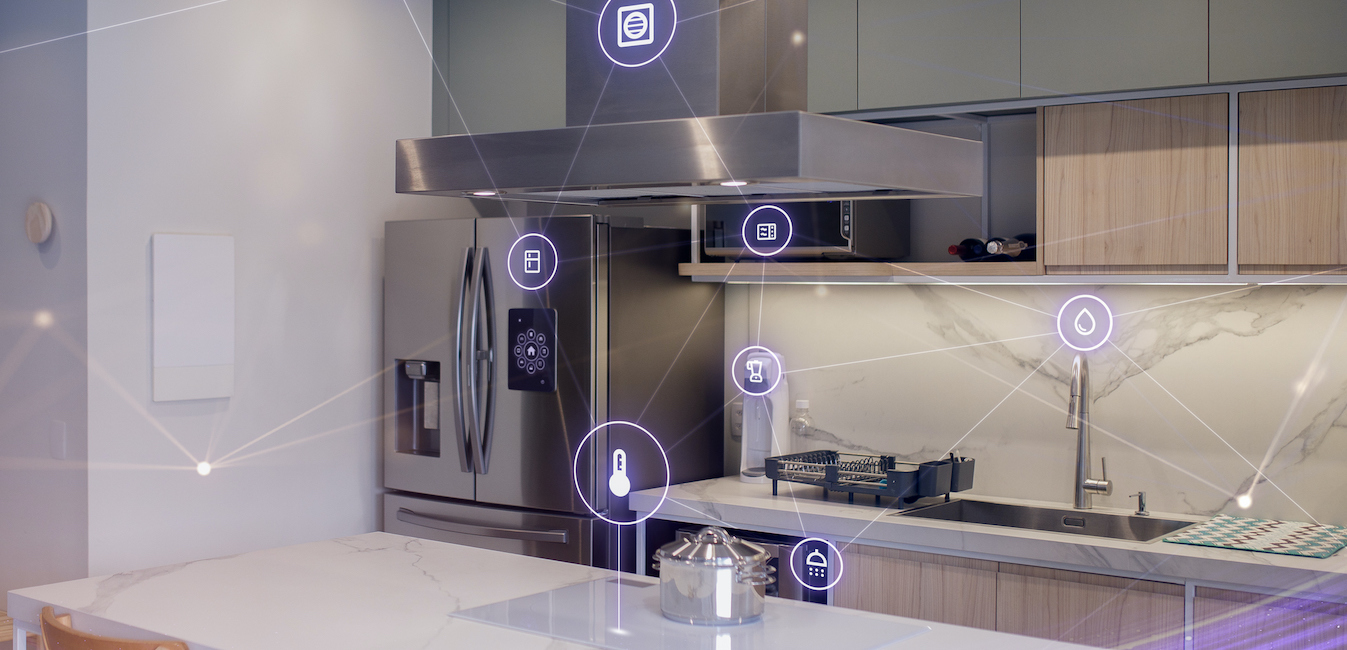
A smart home can cost anywhere from a few hundred dollars to well over $15,000 in 2026. A DIY starter setup with a smart speaker, plugs, and bulbs runs $200 to $1,500, most homeowners spend under $1,000, whole-home systems run $2,000 to $15,000, and professionally installed luxury automation starts around $15,000.
Smart homes offer convenience, enhanced safety, and energy savings, and the technology has become dramatically more affordable as it has become more common. Whatever your budget, there is almost certainly a set of smart upgrades that fits it. Here is what to expect at each price level, and how to decide what is worth it for your home.
What Does It Cost to Turn an Average Home into a Smart Home?
Costs scale with how much of your home you automate. According to Angi’s 2026 cost data, typical smart home systems run $200 to $1,525, with most homeowners paying around $777 for a setup of connected devices like a hub, smart thermostat, lighting, and a video doorbell. HomeGuide breaks it into tiers: a basic system covering essential features in a few rooms costs $2,000 to $5,000, mid-range automation integrated throughout the home runs $5,000 to $15,000, and luxury custom systems start at $15,000.
Three things drive your exact cost. First, the extent of the technology: a voice assistant with a few smart bulbs is a different project than integrated lighting, security, and HVAC. Second, the size of your home, since a four-bedroom house simply needs more devices, sensors, and coverage than a one-bedroom. Third, installation: DIY-friendly wireless devices cost only their sticker price, while hardwired systems add professional labor. If you want your home smart from day one, add smart home wiring to your list of things to research before buying a house.
Is a Smart Home Worth the Money?
For most households, yes, if you build toward the features you will actually use. Smart thermostats and automated lighting trim energy bills, security devices help prevent theft and property damage, and the day-to-day convenience is real. The key is matching the investment to your lifestyle rather than buying gadgets for their own sake.
You also do not have to pay for it all at once. Build in stages, starting with a hub and one or two device categories, then expanding each year. Watch for holiday sales like Black Friday, when smart devices are heavily discounted. And remember that a thoughtfully automated home is an investment that keeps paying you back in lower utility bills and peace of mind.
Explore all the factors that influence home pricing and get actionable tips on saving for your first home in this First-Time Homebuyer’s Guide.
Pros of Smart Homes
- Everyday convenience. Connected devices let you check security cameras from work to see that your child made it home from school, or adjust the thermostat from your phone so you are not paying to heat an empty house.
- Stronger home security. Cameras, motion sensors, video doorbells, and smart locks connect to one system you can monitor and control from anywhere, with instant notifications when anything is triggered.
- A home that matches your lifestyle. Blinds that open on your schedule, lights that adjust through the evening, a fridge that helps build the shopping list: automation adapts the home to how you actually live.
- Lower energy bills. Smart thermostats, automated lighting, and smart power strips cut energy waste by heating, cooling, and lighting only when needed.
- Possible insurance savings. Many insurers offer homeowner’s insurance discounts for monitored security systems and leak detection devices, so ask your provider what qualifies.
- Credit for surplus power. If you have solar panels, lower consumption means more excess energy, and grid-connected systems can earn credit for the surplus power your home sends back.
- Hands-off home management. Lights, temperature, and alarms handle themselves, so nothing gets overlooked even in a busy household.
Cons of Smart Homes
- The costs add up. A single device is cheap, but automating a whole home can reach five figures. Staging the project and prioritizing high-value devices keeps it manageable.
- Reliance on stable WiFi. Most smart devices need a solid connection, and some functions are unavailable when WiFi is down. Many experts recommend a separate network for smart home devices.
- Ongoing updates and subscriptions. Devices need regular software updates to stay secure, and some services, like camera cloud storage or professional monitoring, carry monthly fees of roughly $10 to $40.
How Much Do Smart Home Devices Cost by Type?
Per HomeGuide’s current figures, common devices break down roughly as follows:
- Smart plugs: $10 to $40 each, the cheapest way to make ordinary lamps and appliances controllable.
- Smart speakers: $30 to $300, and often the hub that ties everything together.
- Smart lighting: $50 to $150 for a room or starter kit.
- Video doorbells: $50 to $350 for the unit, plus $3 to $20 per month for optional monitoring.
- Smart locks: $100 to $300 each, with keyless entry and digital guest access.
- Smart thermostats: $70 to $280 for the device, or $200 to $500 professionally installed.
- Smart kitchen appliances: $1,000 to $3,000 each for connected fridges, ovens, and ranges, the biggest-ticket category.
Popular Smart Home Brands
- Google Nest makes learning thermostats, smoke and carbon monoxide detectors, and well-regarded security cameras. Nest products are compatible with a wide ecosystem and support DIY or professional installation.
- Philips Hue is the go-to brand for smart lighting. Hue products cost a bit more than alternatives but are known for reliability and quality.
- Samsung SmartThings is an affordable, DIY-friendly automation platform with no monitoring charges. The SmartThings system spans HVAC, lighting, and window and door sensors.
- Ecobee offers a smart thermostat that uses remote room sensors to detect occupancy and adjust temperatures for energy savings, and it integrates with Apple Home and Amazon Alexa.
New construction homes often come turnkey with smart upgrades already included. Explore the pros and cons of buying a new construction home.
How Should You Build Your System? Package Ideas to Get You Started
Choosing devices that work well together matters more than choosing the most devices. Four package approaches cover most needs:
- Climate: start with a smart thermostat, or go further with smart ceiling fans and a fully connected HVAC setup.
- Lighting: smart bulbs, lamps, and switches can automate a single room first and expand through the house over time.
- Security: typically the most expensive category, combining doorbell cameras, intruder and water sensors, smoke detection, cameras, and smart locks.
- Home energy: monitoring systems track power use by outlet, appliance, or the whole house, and many come solar-ready.
Beyond the core systems, robot vacuums and mops save time on chores, smart air purifiers support a healthier home, and connected gym equipment and scales can help with fitness goals.
Concerned about stretching your budget to include smart home upgrades? Refinancing down the road can give you access to equity for home improvement projects. Learn more about the refinancing process.
Should You DIY or Hire a Pro?
It depends on your technical comfort and the products you choose. Most mainstream wireless devices are genuinely DIY-friendly: If you can follow an app’s setup flow, you can install a smart plug, bulb, or video doorbell yourself and pay nothing for labor.
Hardwired systems, integrated whole-home automation, and anything touching your electrical panel are a different story. Professional installation adds cost, but it gets every device communicating correctly the first time, avoids compatibility headaches, and protects warranties. If your plan involves more than a handful of devices across multiple systems, a professional design consultation is usually money well spent.
The Bottom Line: Know Your Budget
Decide which features you actually want, then build a detailed budget before you buy anything. If you are planning to buy a home and then add smart technology, understanding these costs helps you determine how much home you can afford and how much to set aside for upgrades.
Frequently Asked Questions
How much does it cost to fully automate a house?
Automating a whole home typically runs $5,000 to $15,000 for mid-range integrated systems, while luxury custom automation starts around $15,000 and can go much higher. A basic multi-room setup costs $2,000 to $5,000.
Are smart homes worth it?
For most households, yes. Smart thermostats and lighting reduce energy bills, security devices protect the home and may earn insurance discounts, and the convenience benefits daily life. Building in stages keeps the investment matched to what you actually use.
Do smart home features increase home value?
Smart features can make a home more appealing to buyers, especially built-in systems like thermostats, security, and lighting that convey with the house. Think of them primarily as quality-of-life and efficiency investments rather than guaranteed resale premiums.
What is the cheapest way to start a smart home?
Start with a smart speaker ($30 to $300) as your hub, then add smart plugs ($10 to $40) and bulbs. For a few hundred dollars, you get voice control, automated lighting, and a foundation you can expand room by room.
Ready to Learn More?
If you’re planning to buy the home you’ll make smart, Guidance Residential can help you finance it the halal way, as it has for nearly 45,000 families. Check out our home finance calculators to get a clearer picture of your budget, or for a more accurate estimate, get pre-qualified online in fewer than 10 minutes.
Learn more and get started on your home finance journey today.
Originally published April 2023, updated August 2026.